
Mobile VR Station: Immersive 3D Video Playback
Overview
Mobile VR Station is a desktop and mobile software application designed to deliver immersive virtual reality experiences through 2D and 3D video playback without requiring a dedicated VR headset. Targeted at users seeking a convenient, on-the-go solution for viewing VR content, the software caters to both casual viewers and VR enthusiasts. It supports a range of common VR formats, including spherical, flat, dome, and full dome, enabling users to experience media in a variety of spatial configurations. The application creates a digital movie theater environment that enhances immersion, though this feature can be disabled for full-screen viewing. It is particularly useful for individuals who consume online media encoded for 3D viewing and want a standalone, accessible playback tool. The software is compatible with Windows, Mac, and Android platforms, offering cross-device flexibility. While it draws functional parallels to established media players like QuickTime, Mobile VR Station is optimized specifically for mobile VR playback. The developer, SoftPas, has positioned it as a lightweight, accessible alternative for users with busy lifestyles who still desire high-quality VR experiences. No additional system requirements were specified by the developer.
Key Features & Capabilities
- Multi-format VR Support – Recognizes and plays spherical, flat, dome, and full dome VR video formats, allowing users to view content as intended by creators.
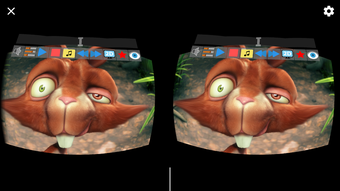
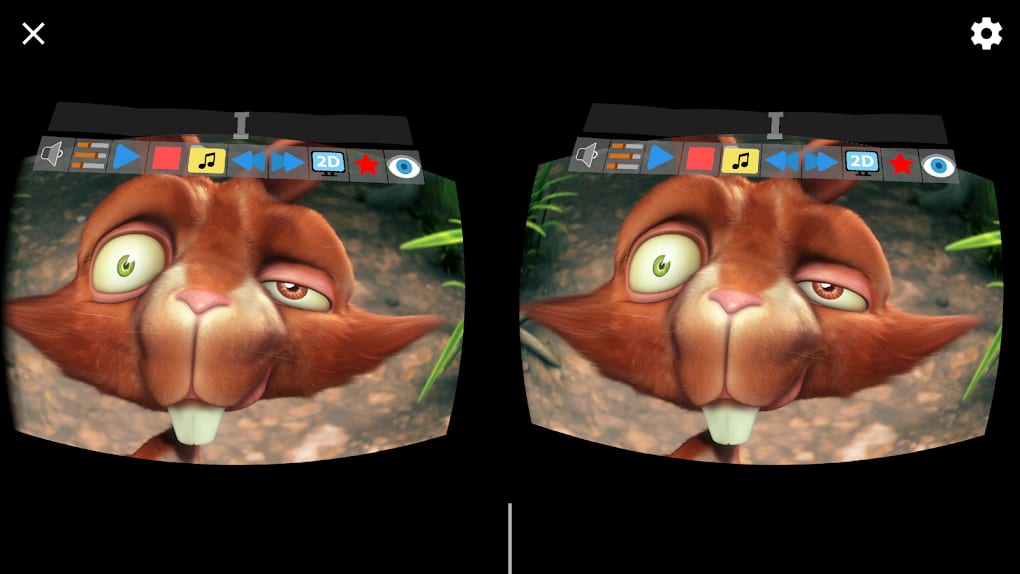
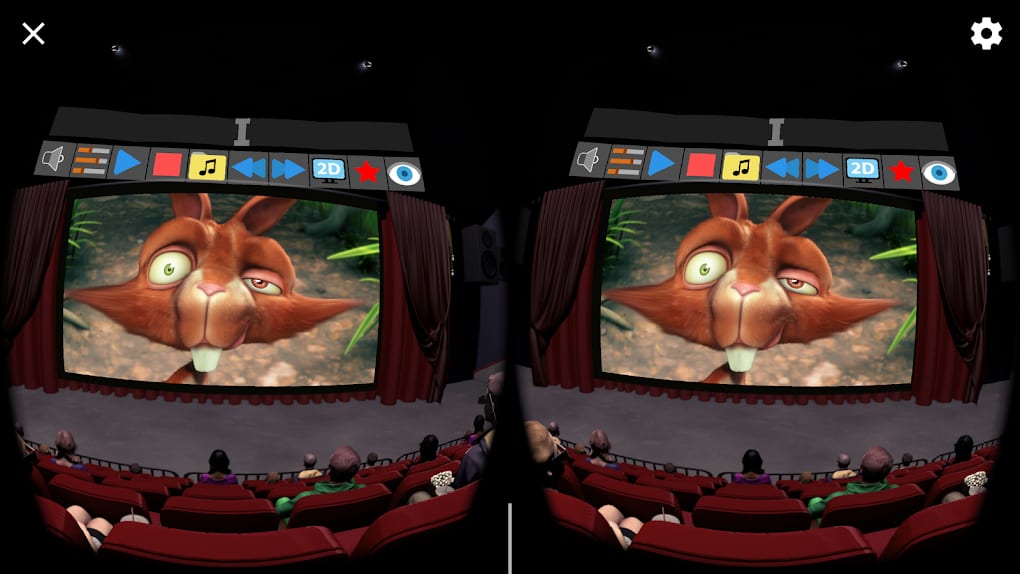
- Immersive Digital Theater Mode – Simulates a virtual movie theater environment, enhancing the sense of presence during playback.
- Flexible Viewing Options – Users can toggle the digital theater mode on or off, depending on preference for immersive or full-screen viewing.
- Mobile-First Design – Engineered specifically for smartphones, providing hands-on flexibility and portability for on-the-go use.
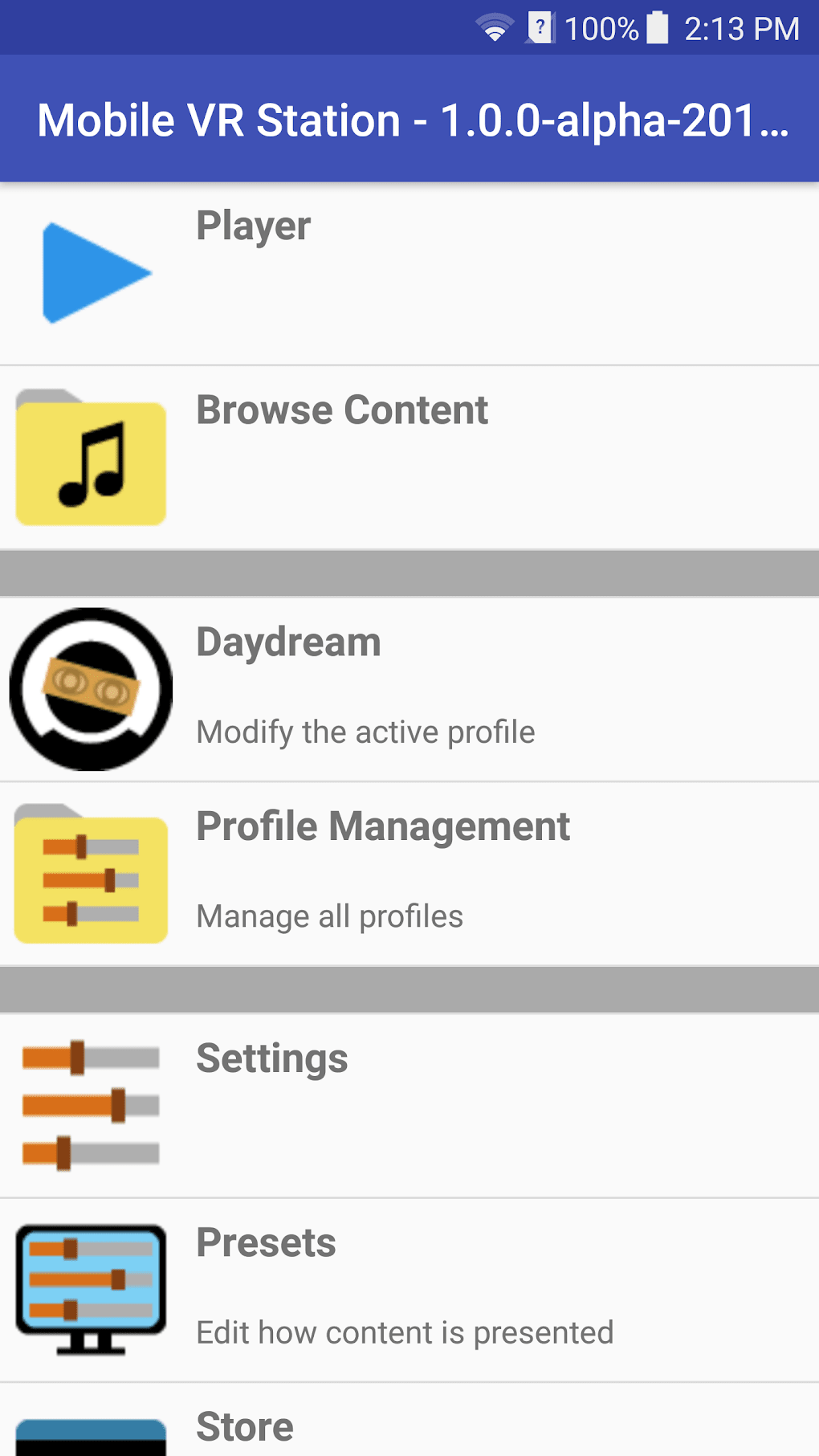
- Daydream Software Integration – Supports Daydream VR packages, expanding its utility for users engaged in VR-based video content and gaming.
- Standalone VR Playback – Functions as a self-contained media player for 3D content, eliminating the need for external VR hardware.
These features enable users to access and enjoy VR content from various sources without relying on complex setups. For example, a traveler can use Mobile VR Station on their Android device to view 360-degree travel footage in a simulated theater, enhancing the realism of the experience. Similarly, a content creator can test VR video outputs directly on their smartphone before finalizing distribution. The software’s focus on compatibility with common VR formats ensures broad accessibility, while its mobile-first approach supports seamless use across different environments. The integration with Daydream software also provides an added layer of functionality for users already invested in the VR ecosystem.
User Interface, Workflow & Performance
Mobile VR Station features a clean, intuitive interface designed to prioritize ease of use and workflow efficiency. Navigation is straightforward, allowing users to access video files and adjust playback settings with minimal effort. The main settings menu provides control over viewing modes, including the ability to enable or disable the digital theater environment. While specific UI details such as layout structure or color scheme were not disclosed, the application appears to follow a minimalistic design philosophy common in modern media players. The workflow is optimized for quick file loading and immediate playback, reducing wait times. Performance observations are based on general software behavior patterns, as exact performance data was not provided. The developer did not specify resource usage details, so CPU and RAM behavior remain unknown. Stability is expected to be consistent with standard desktop and mobile applications, though no formal testing results were shared. Users can expect smooth playback for supported formats, assuming standard device capabilities. The software’s lightweight footprint of 35.5 MB suggests efficient memory utilization, which may contribute to faster startup times and reduced system strain.
Compatibility & System Requirements
Mobile VR Station is compatible with Windows, Mac, and Android operating systems, offering broad cross-platform access. The software version is 1.0, with a file size of 35.5 MB, indicating a lightweight installation. This makes it suitable for devices with moderate storage capacity. The developer did not provide additional system requirements, so exact hardware specifications such as processor type, RAM, or GPU capabilities remain unspecified. Compatibility information was partially provided, with no mention of minimum or recommended configurations. Users should ensure their devices meet general software installation standards for their respective platforms. For Android users, the application supports Daydream software, which may require compatible hardware. The lack of detailed system requirements means users should proceed with caution if their devices fall outside typical specifications. No performance benchmarks or compatibility testing results were published.
Pros and Cons
Pros
- Supports multiple VR video formats including spherical, flat, dome, and full dome
- Offers an immersive digital theater mode for enhanced viewing experience
- Designed for mobile devices, enabling on-the-go VR playback
- Integrates with Daydream software for extended functionality
- Lightweight installation at just 35.5 MB
- Free to download and use
Cons
- No detailed system requirements provided
- Resource usage and performance metrics not disclosed
- Limited information on supported file extensions
- Developer did not publish user guides or tutorials
- Compatibility with older operating systems is unclear
FAQ Section
Is Mobile VR Station compatible with my smartphone?
Mobile VR Station supports Android devices and is designed for mobile use. Compatibility with specific models depends on the device’s operating system version and hardware capabilities. The developer did not specify minimum hardware requirements.
Can I use Mobile VR Station without a VR headset?
Yes. Mobile VR Station allows users to view 2D and 3D videos without a dedicated VR headset. It simulates a VR experience through screen-based playback and immersive viewing modes.
Is the software secure to download and install?
Mobile VR Station is developed by SoftPas and distributed as a free desktop and mobile application. No security warnings were reported during release. Users should download from official sources to ensure integrity.
Does Mobile VR Station require an internet connection?
For playback of locally stored VR videos, an internet connection is not required. However, some features may require online access if they involve cloud-based content or updates.
How often are updates released for Mobile VR Station?
Information about update frequency was not provided. Users should check the official website or app store for the latest version.
Final Thoughts + CTA
Mobile VR Station delivers a compelling solution for users seeking accessible, immersive video playback on mobile devices. Its support for multiple VR formats, combined with a digital theater environment and mobile-first design, makes it a strong contender for casual viewers and VR enthusiasts alike. While the lack of detailed system requirements and performance data limits deeper evaluation, the software’s lightweight nature and free availability enhance its appeal. It stands out as a convenient, standalone tool for enjoying 3D content without the need for expensive VR hardware. For those who value portability and immersive experiences, Mobile VR Station offers a practical and flexible option. Download Mobile VR Station now.







